How to Digitise Your School's Gradebook in 2025

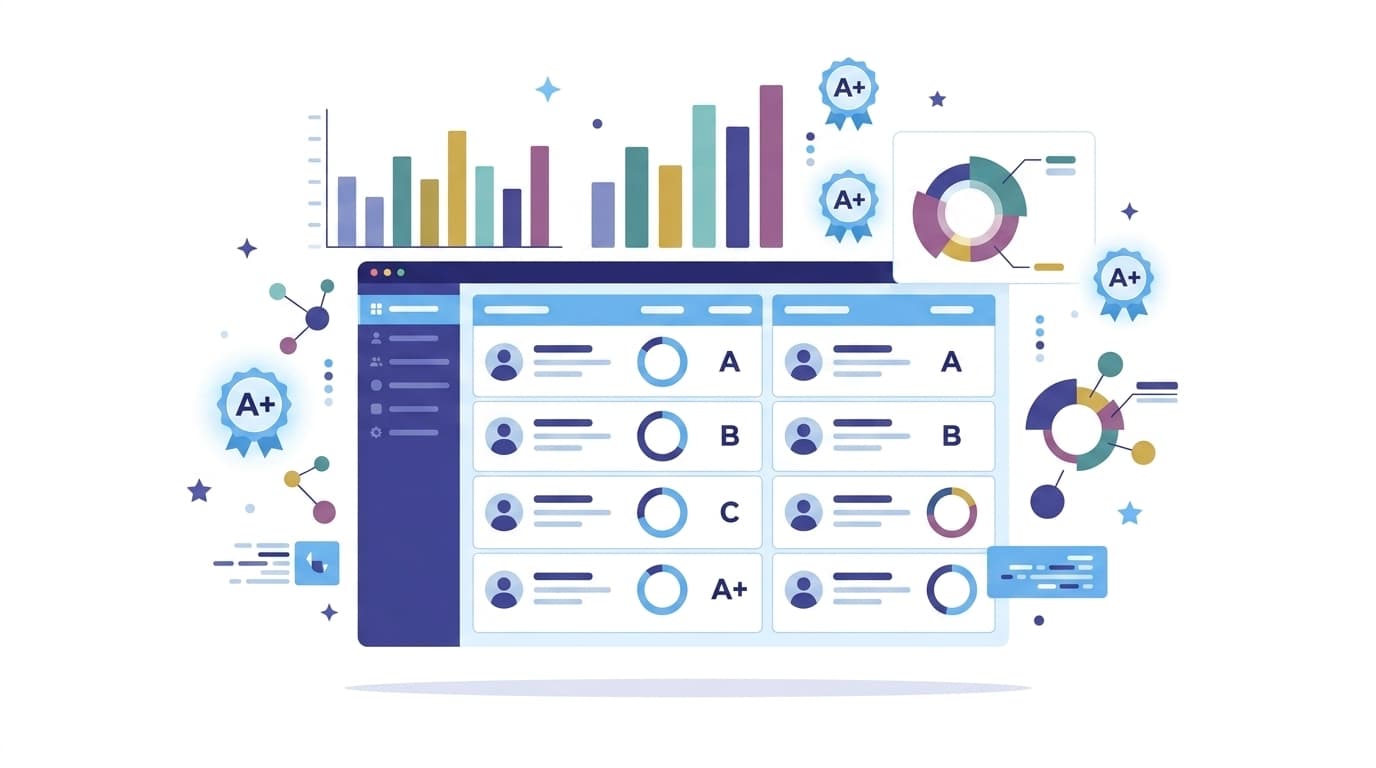
Every principal has seen the same scene: a teacher hunched over a register at 9pm, adding a column of marks by hand, praying the total matches what she wrote in the term report three weeks ago. Paper gradebooks aren't just slow — they're a single point of failure. One spilled cup of tea, one missing register, and a term's worth of assessment data is gone.
Digitising your gradebook fixes this permanently, but the migration itself makes a lot of schools nervous. Below is the process we recommend to every school that switches to Skolex, broken into steps that any admin team can execute in a single week — plus the mistakes that turn a one-week migration into a one-term headache.
Step 1: Audit what you actually have
Before you touch any software, gather every physical register, spreadsheet, and loose sheet currently used for grading. Most schools discover they have three or four inconsistent formats running in parallel — one teacher weighs quizzes at 20%, another at 30%, and nobody remembers why. Write down the grading scheme each subject actually uses today. You'll need this to configure weighted categories correctly, and it's the single biggest source of errors if skipped.
For a typical Pakistani K-10 school running two terms with a mid-year and final exam, this audit should also capture where each term's boundary falls, whether mid-terms count toward the final grade or are purely diagnostic, and whether any subjects (Islamiyat, Urdu, and Computer Studies are common examples) use a different weighting logic than the core subjects. Write all of this down before step two — it's far easier to fix a spreadsheet than to unpick a live gradebook three weeks into the term.
Step 2: Standardise your grading scale first
Digital tools are only as good as the structure behind them. Decide, at the school level, how categories like homework, quizzes, midterms, and finals will be weighted — and whether that weighting can vary by subject or grade level. Skolex lets you set weighted categories per class, so a Grade 9 Physics teacher can run 40% exams / 30% labs / 30% homework while Grade 3 stays purely formative. Lock this down before importing data, not after.
This is also the moment to decide how you'll handle grade descriptors versus raw percentages. Many Pakistani schools report both — a numeric score for internal tracking and a letter grade or descriptor (A1, A, B, and so on) for the report card parents see. If your current paper system only tracks one of these, standardising now saves you from a painful retrofit once report card season arrives.
Step 3: Bulk import existing records
You don't need to re-enter a single mark by hand. Export whatever spreadsheets you already have to CSV and use the bulk import tool to map columns to students, subjects, and terms. For registers that only exist on paper, budget one afternoon per grade level for a data-entry pass — it's tedious once, and never again.
Import attendance and gradebook data in the same session. Both live against the same student and term records, so doing them together avoids re-matching student IDs twice. If you're planning your attendance migration separately, see our guide on reducing attendance tracking time for the same audit-then-import approach.
Step 4: Train teachers on the weekly rhythm, not just the software
The biggest adoption failure we see isn't technical — it's habit. Teachers who are used to grading in a notebook at the end of the month need a new weekly rhythm: enter marks as you grade, not in a batch before report cards are due. Run a 20-minute training session that walks through exactly what a normal Tuesday looks like in the gradebook, not a feature tour.
Structure that session around the three things a teacher actually does most weeks: entering a quiz score right after marking it, checking a running class average before a parent meeting, and flagging a student whose performance has dropped. Anything beyond those three workflows can wait for a follow-up session. Teachers who see the tool solve a problem they had this week adopt it far faster than teachers who sit through a full feature walkthrough on day one.
Enjoying this article?
Get one email a month with new guides on running a modern school. No spam.
Step 5: Let grades calculate themselves
Once categories and weights are set, the gradebook computes running averages, term grades, and grade-level distributions automatically. Teachers stop doing arithmetic and start doing what averages are actually for — spotting the student whose grade dropped 15 points in two weeks before it becomes a parent-teacher conference surprise.
Common migration mistakes to avoid
A handful of mistakes account for most of the friction schools run into during this process:
- Importing before standardising. If you bulk-import data using each teacher's own inconsistent weighting, you'll spend the following term untangling grades that don't compare across sections.
- Migrating mid-term. Wherever possible, start a digital gradebook at the beginning of a term rather than partway through — mixing a paper-tracked first half with a digital second half makes the term report harder to reconcile, not easier.
- Skipping a parallel-run week. Running the new gradebook alongside the old process for a few days, even informally, catches mapping errors — a subject assigned to the wrong grade level, a category weight that didn't import correctly — while they're still cheap to fix.
- Treating training as a one-off. A single session at rollout is not enough for staff who are less comfortable with software. Budget a short refresher two weeks in, once teachers have real questions instead of hypothetical ones.
What changes for parents
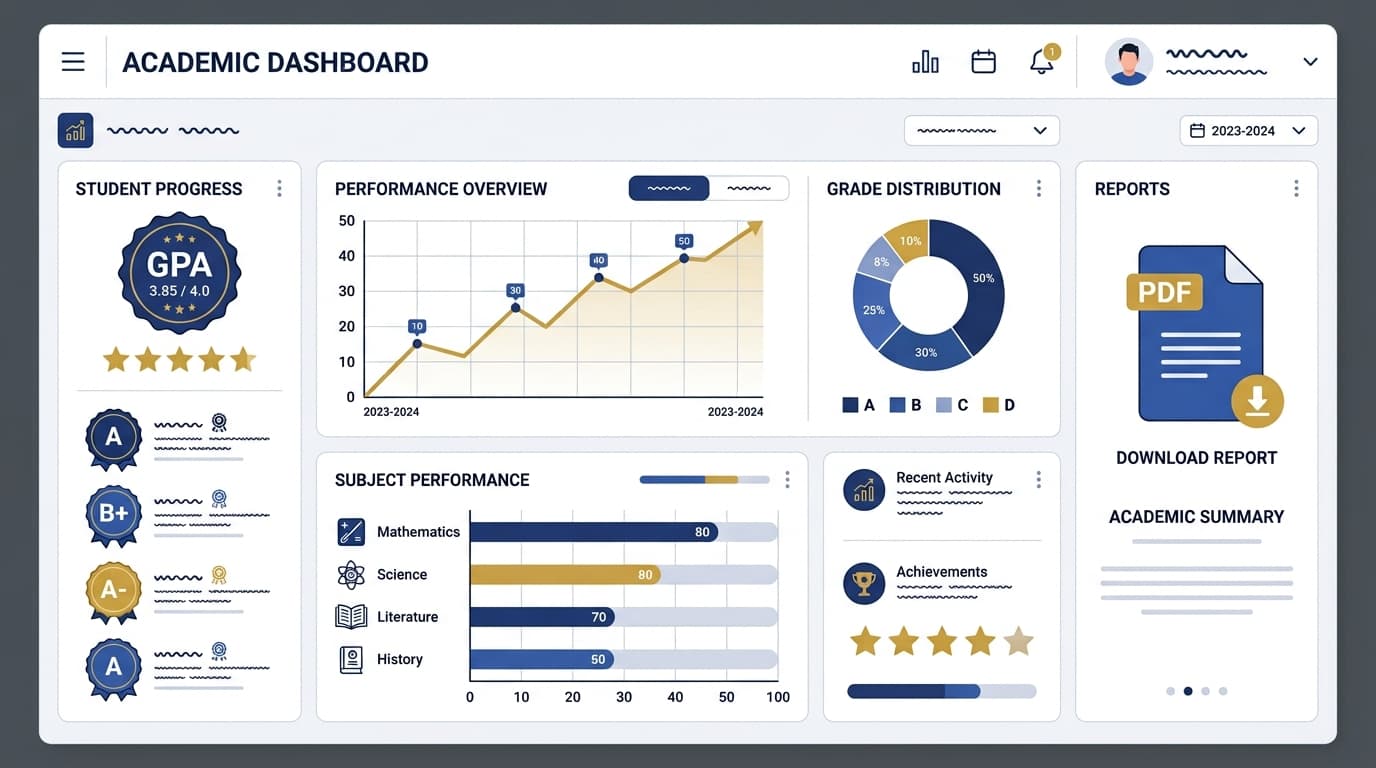
A digital gradebook only pays off fully when parents can see it. Once grades are live, parents get real-time visibility into their child's performance instead of waiting for a termly report card. Schools that make this switch consistently report fewer "why didn't I know about this" conversations at parent-teacher meetings, because nothing was hidden in a register only the school could read. This visibility also changes what report card season looks like — when the underlying data is already digital, generating the actual report cards becomes a formatting step rather than a data-entry project. Our guide to digital vs paper report cards covers that transition in detail.
Real-time visibility also shifts the tone of parent communication generally. Instead of grades being the one topic that only surfaces at a scheduled meeting, they become part of the ongoing, lower-friction conversation a good parent-teacher communication system supports.
The result
Schools that complete this migration typically report cutting grading-related admin time by more than half, and — just as importantly — they stop losing data. A gradebook that lives in the cloud, backed up automatically, survives a spilled cup of tea just fine.
If your school is still running on paper or a patchwork of spreadsheets, the migration is smaller than it feels. Audit, standardise, import, train, and let the system do the arithmetic it was always meant to do. If you want to see how the weighted-category gradebook and bulk import tool work before committing your data, the Skolex features page walks through both in detail.
Frequently asked questions
How long does a full gradebook migration actually take?
For a single-branch school with a few hundred students, the five steps above typically fit into one working week: a day or two for the audit and standardisation, an afternoon per grade level for import, and a short training session before the following week's classes begin. Schools with several branches or years of historical records to preserve should budget closer to two weeks, mainly for the data-entry pass on records that only exist on paper.
What happens to our old paper registers after we digitise?
Keep them. Digitising the current and upcoming terms is the priority, but there's no requirement to re-key every historical register on day one. Most schools scan or file the old paper records as an archive and only back-enter historical data if a specific need comes up, such as a transfer student's transcript request.
Can different grade levels use different grading scales in the same gradebook?
Yes. A well-built digital gradebook lets weighting and grading scales vary by subject and grade level within the same school-wide system — Grade 9 Physics can run exam-heavy weighting while Grade 3 stays purely formative, without needing separate tools or spreadsheets for each.
Will teachers who aren't comfortable with technology be able to use this?
This is the most common concern we hear before a migration, and it's almost always smaller in practice than expected. The workflow that matters day to day — entering a mark, checking an average — is usually two or three taps. The training session in step 4 above is specifically designed around that reality: teach the weekly rhythm, not the full feature set, and comfort follows within the first two weeks of real use.
Do we need to migrate attendance and grades at the same time?
You don't have to, but it's more efficient if you do. Both systems reference the same student and term records, so importing them in the same session avoids matching student IDs twice. If your school wants to stage the rollout, starting with attendance — which has a shorter learning curve — and following with the gradebook a week or two later also works well.

Written by the Skolex product and education team, working directly with schools on curriculum, gradebook, attendance, and communication workflows for grades 1-10.
Related articles

How to Reduce Attendance Tracking Time by 80%
Roll call shouldn't eat five minutes of every class period. Here's how schools cut attendance time down to seconds without losing accuracy.

Skolex Team
Feb 18, 2025
Digital Report Cards vs Paper: Complete Guide for Pakistani Schools
A side-by-side look at what changes — for admins, teachers, and parents — when a Pakistani school moves report cards from paper to digital.

Skolex Team
Feb 2, 2025